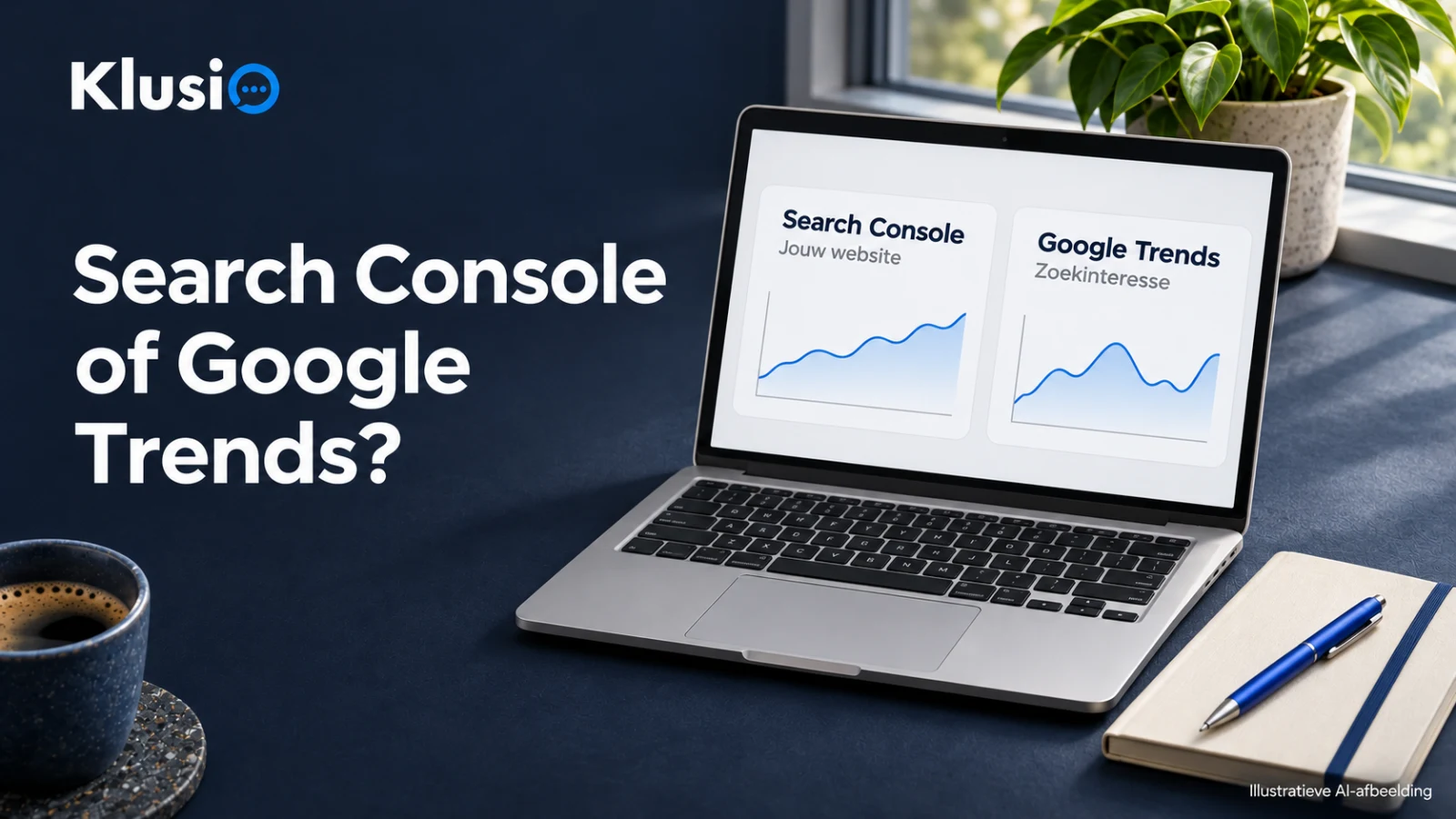
You want to “measure something with SEO”, you open Google, and then you suddenly find yourself hesitating between two free tools that are both useful: Google Search Console and Google Trends. They just don’t do the same thing.
The most important thing to remember: these two tools answer a different question. If you mix them up, you’ll quickly draw conclusions from data the tool simply wasn’t meant to provide.
Your choice depends on one question
Ask yourself this, before you dive into dashboards:
 Google AI Mode
The best choice depends on the question you want to answer: your own performance or interest in a term.
- Google Search Console For: how your site performs (impressions, clicks, CTR)
- Google Trends For: comparing interest in terms (time, region, variants)
Use Trends to choose what to focus on, and Search Console to measure what that delivers for your site.
- “How is my website doing in Google?” → Google Search Console
- “How is interest in this term (or variant) developing?” → Google Trends
- Trends: you explore terms, variants, seasonality and region. You make a choice for words/topics that you want your pages or content to align with.
- Search Console: then you measure whether your pages actually get impressions and clicks on those topics.
- support.google.com (support.google.com)
- Search Console Help: performance report (search results) (support.google.com)
- support.google.com (support.google.com)
Google Search Console: for performance of your own site
Google Search Console is your foundation if you want to see what Google “does” with your website in the search results. You look at performance for your own domain, not “the market” in general.
In the performance reports, you can see how often users saw your site and whether they clicked through. Search Console shows, among other things, impressions and clicks1 for your site within Google surfaces such as Search, News and Discover.
And if you want to understand more deeply what you’re seeing there: for the Performance report in Google Search results, Search Console defines, among other things, clicks (the number of times a user clicks through from Google Search results), impressions (how often the site was shown) and CTR (clicks/impressions) (definitions of clicks and impressions2).
What you can’t get from it: Search Console doesn’t tell you anything about search interest that has nothing to do with your site. So you don’t see how “popular” a term is in the Netherlands in general, you only see how your site appears for it.
Google Trends: for comparing interest in terms
You use Google Trends if you’re one step earlier: you want to know how interest in a word/topic develops, and how terms relate to each other (for example between regions or periods). That’s useful when you have to choose: what are we going to create content about, and what do people call this?
Trends can put multiple terms side by side. In the current Explore experience, you can compare a maximum of 8 groups of terms at the same time3, with up to 50 terms per group (Classic Explore has lower limits).
Note: term comparison is literal
Trends is useful, but also precise. For example, you get no results for typos, spelling variants, synonyms and singular/plural forms3. This is about what happens when you enter search terms literally. In Trends, you can also work with topics as an alternative to one specific spelling. If you want to compare variants, enter them explicitly as separate terms.
Which one fits your SEO goal? Use this quick comparison
Google Search Console vs Google Trends: quick selection guide
| Question you want to answer | Best tool | Why this fits | Key limitation |
|---|---|---|---|
| How many impressions and clicks does my site get? | Google Search Console | Shows your own site’s performance in Google, including impressions and click-throughs. | It’s about your site. It says nothing about general search interest outside your results. |
| Which searches lead (or could lead) to traffic to my site? | Google Search Console | You can see which searches you appear for and how often people click through. | Only what Google associates with your site becomes visible. It’s not complete market coverage. |
| Which term is more popular: term A or term B? | Google Trends | Compares interest between terms, regions and periods. | It’s sensitive to how you enter your terms (for example variants or singular/plural). |
| Is this topic seasonal? | Google Trends | Trends is made to compare interest over time. | You need to keep your term choice tight. Variants don’t automatically count. |
| I want to include variants, synonyms and plurals in one comparison | Usually Search Console (for your site) or explicitly enter variants in Trends | Search Console shows which variants already trigger your site. Trends requires you to enter variants separately. | In Trends, synonyms/spelling variants/singular-plural are not automatically combined. |
Want to go further after this than just “measuring”? Then it helps not to base your comparison on tool features, but on control: which source do you use, what do you change on your site, and when do you measure again. We go deeper into that in how to compare an SEO tool on data and control.
When you use them together (usually the smartest route)
In practice, this is a logical order:
Important detail: more impressions or a higher CTR is not yet an enquiry. It is a signal that your visibility in Google is changing, and that you can use to choose your “best next improvement”.
Working with automation? Keep control of measurement
If you automate (parts of) SEO, this remains the foundation: keep checking results and configure your automation tools properly. Automation is a tool, not a replacement for a well-thought-out SEO strategy and human oversight. And that’s exactly why Search Console and Trends are so useful: you have one place for performance measurement (Search Console) and one place for term comparison (Trends).
If you want to run this as a continuous cycle (opportunities → work that goes live → measure → next round), then automate and outsource SEO fits how we use Klusio: you decide what can be automated, and you keep the measurement source clear.