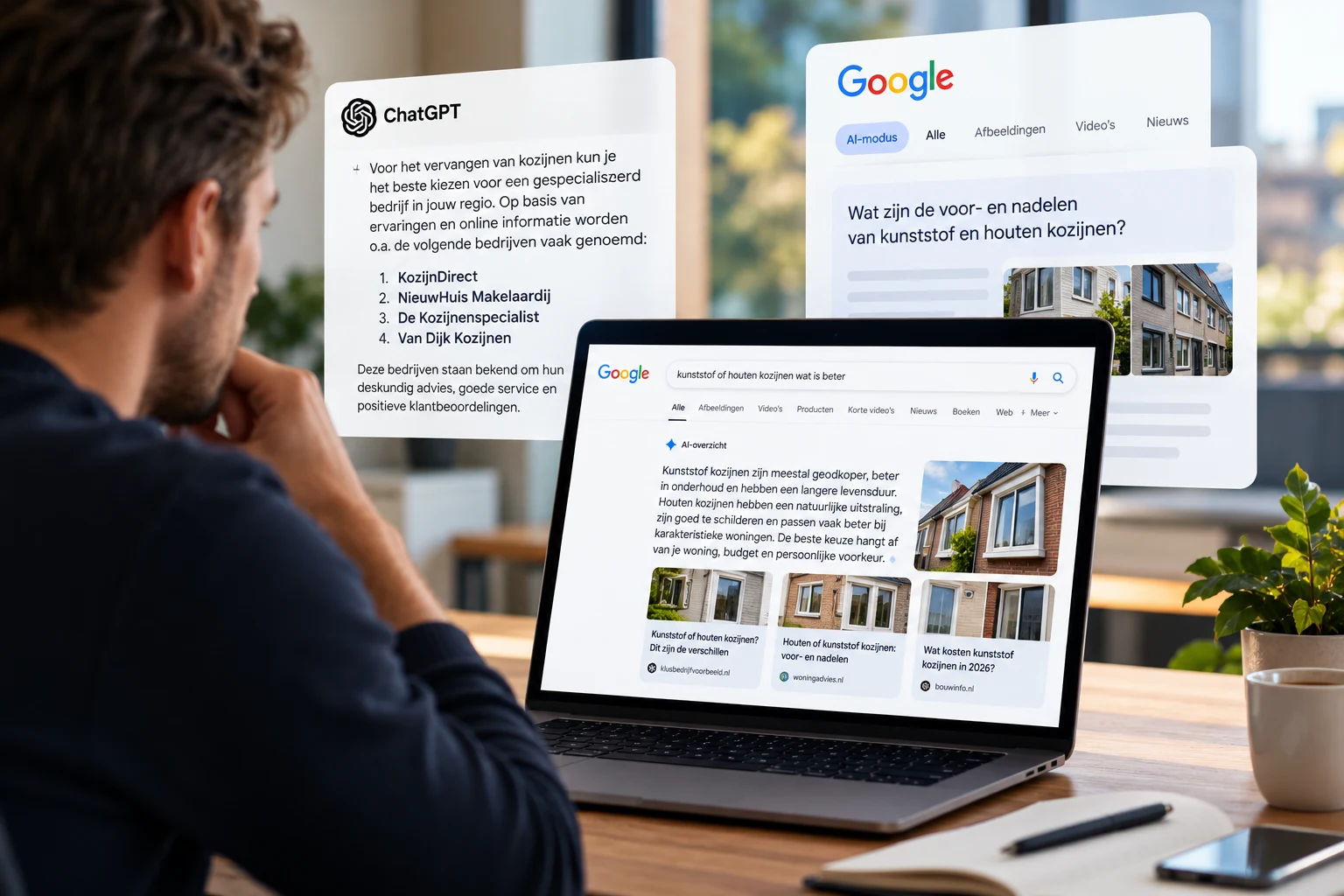
Imagine this: an entrepreneur is looking for an accountant with experience with webshops. In ChatGPT, he explains what he sells, what he’s running into, and what kind of support he’s looking for. Your firm would be a great fit. The question is whether the information about your company makes that clear too.
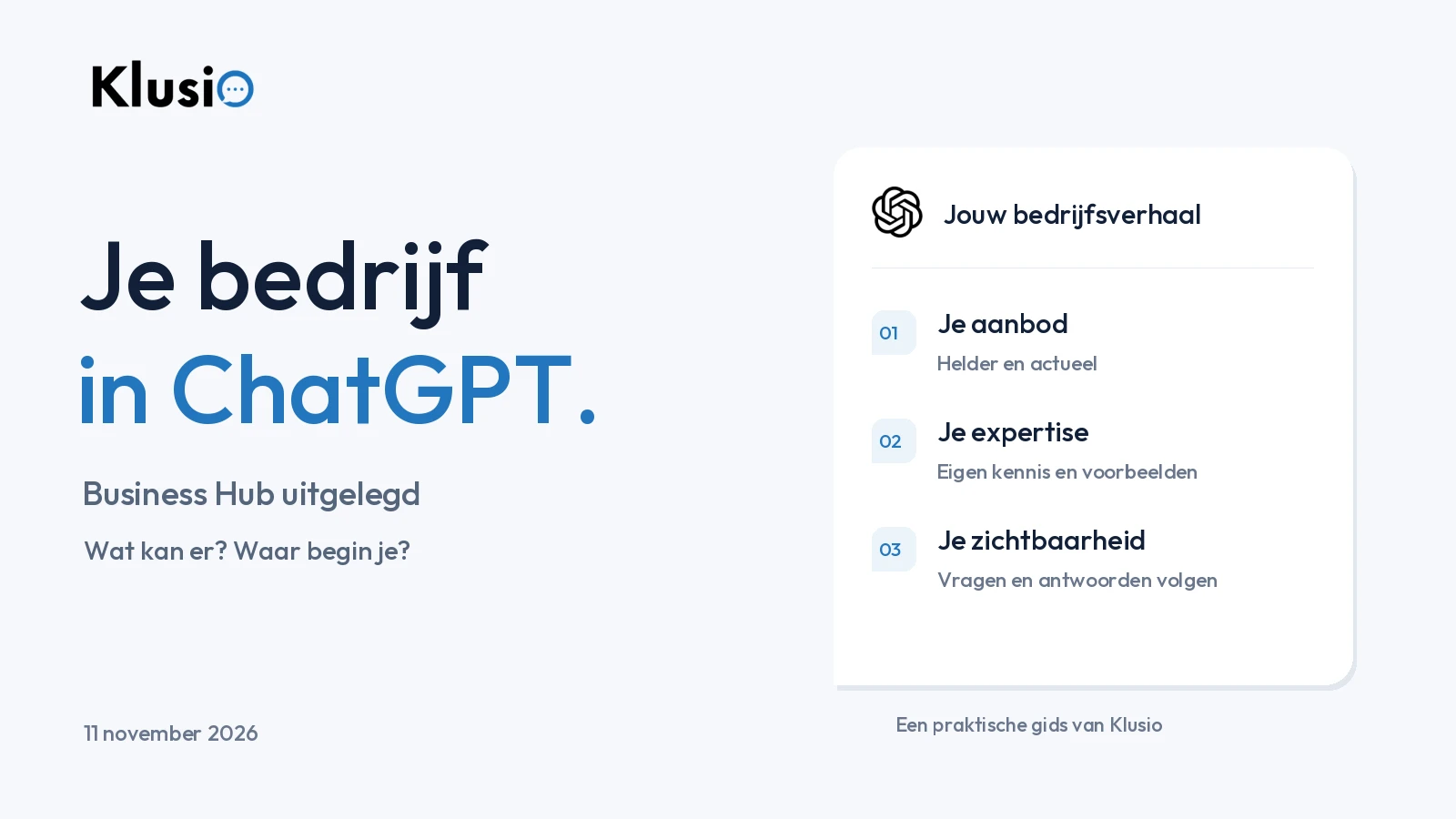
On November 10, 2026, OpenAI introduced Businesses in ChatGPT, in beta. Via Business Hub, suitable businesses can claim their profile, manage information, and view insights. For some businesses, there will also be a dedicated Business Agent. This is stated in OpenAI’s official announcement.
For entrepreneurs, this is a reason to take another look at their online company story. What exactly do you do? For whom? What proof supports it? In this guide, you’ll read what the new environment means, how to get started with it, and how Klusio helps further develop your website and visibility.
Status update: November 11, 2026. OpenAI is expanding the capabilities. When signing up, check which features your business can use.
ChatGPT Business and Business Hub: which do we mean?
ChatGPT Business is the subscription that lets a team work together in a managed ChatGPT work environment. This is about using AI within your organization. OpenAI describes this in the ChatGPT Business overview.
This new development is about your business in ChatGPT. Business Hub is the management environment for that. A Business Agent can then let customers ask questions about your offering, in a separate, recognizable conversation on behalf of the business. Think of someone comparing two products or wanting to know which service fits their situation. OpenAI explains that separate business environment.
Those names sound similar. For your marketing, the most interesting question is what information a potential customer comes across about your business, and whether that information helps them make a good choice.
Can you already use this as a Dutch business?
According to OpenAI, suitable businesses in countries where ChatGPT is available can claim a profile. Access depends, among other things, on location, business type, and verification. At launch, Business Agents are available for suitable e-commerce businesses and online service providers in the United States. This is stated on the Businesses in ChatGPT product page.
For local shops and restaurants, OpenAI currently only mentions claiming existing U.S. listings. The installation guide describes the current limitations.
So start by checking what’s available for your business. Have someone with decision-making authority for the company manage the application. Also prepare your own information. Even if you don’t have access yet, you can use it to improve your website and ensure that a future sign-up is well prepared in terms of content.
A Dutch consultancy firm, a shop with a webshop, and a local restaurant have different starting points. Assess the options for your own business before making a plan around features you may not be able to use yet.
How to start registering your business with ChatGPT
Open Business Hub in ChatGPT and search for your business. Follow the verification offered, for example via phone, business email, domain, or Shopify. To publish changes and view insights, approved identity verification via Persona is required. If you create a new profile via Persona, OpenAI will automatically publish it after approval. For that, read OpenAI’s steps.
Our practical preparation: first create one concise company document, the kind you would also give to a new employee. Include:
- Your offering: which services or products do you actually deliver?
- Your target audience: which clients fit your specialization?
- Your service area: where do you work, and when can it be done remotely?
- Your way of working: what happens after an inquiry?
- Your terms: which boundaries, exceptions, or agreements does someone need to know?
- Your proof: which projects, reviews, and experiences support your story?
This is your content preparation. It is not a list of mandatory profile fields. Use the document to test your own story and fill in the available fields carefully.
Then read your description as if you’re seeing the company for the first time. Can you tell from it whether you should be here? A sentence like “we unburden entrepreneurs with tailored solutions” offers little to go on. “We support webshops with their bookkeeping, inventory integrations, and monthly financial reporting” makes the offering a lot more concrete.
Does a claimed profile lead to more recommendations?
OpenAI indicates that claiming does not guarantee a higher placement or extra sales. ChatGPT will continue to make recommendations and comparisons independently. Businesses without their own agent can also appear in answers. See the explanation of what claiming changes.
For us, the practical value is in a better maintained presence. If someone comes across you, you want your offering to be correct, your website to work, and the next step to be logical. As an entrepreneur, you can work on that in a focused way.
Look at it from a customer’s perspective. A recruitment agency can call itself a “staffing specialist”. An employer wants to know which roles the agency fills, which sector it has experience in, and how candidates are assessed. A profile is a first introduction. The content behind it needs to answer the questions that arise afterwards.
A strong company story helps someone assess whether you’re a fit. That’s a useful starting point for both your profile and your service pages and client cases.
Why your own website remains important
Business Hub gives you an extra place to provide information. Your website remains the place where you can show your approach in detail, share your own examples, and help a visitor get in touch.
OpenAI asks for correct, up-to-date business information and mentions, among other things, offerings, contact details, and service area. Profiles may also include information from other sources. This is stated in the business profile policy. Our recommendation is therefore to check the profile and the website together.
Are you no longer selling a certain service? Remove outdated explanations or update them. Do you have a new specialization? Make sure it’s explained on an appropriate page. Does an old industry listing point to the wrong address? Request a correction. This is how you maintain the story people read about your business in different places.
Also check whether important pages are technically accessible. OpenAI uses OAI-SearchBot for search. Access for this crawler and permission for model training via GPTBot are separate settings. Your website builder can check robots.txt and any blocks based on OpenAI’s crawler documentation.
Also include your most important service pages and blogs. An accessible homepage still says little about an article that should answer a specific client question. For WordPress, we also have a practical guide to making your website more accessible for ChatGPT.
How Klusio helps you with this
At Klusio, we connect client questions, your own expertise, website improvements, and measurement. Claiming and verifying your Business Hub profile happens at OpenAI. Klusio supports the work on the content and search visibility around it. You can find a concise overview on our page about ChatGPT Business Hub for your business.
Your expertise gets a place on your website
A good explanation starts with what you see every day. Which misunderstandings do you run into? When do you actually advise against a certain solution? What preparation saves a client time? Klusio can ask you targeted questions and use your answers in suitable articles. Earlier answers remain available for future content. This is how the Growth Engine works with your company knowledge.
For example: an accountant knows why a webshop with growing inventory starts needing different reports. An IT specialist can explain what kind of support an office with remote workers needs. That kind of concrete knowledge makes a page useful for someone who still has to choose.
You can see which questions you are mentioned in
With AI visibility in Klusio, you track relevant questions and the recorded answers. You can see which businesses and available sources appear in them. The supported platforms and measurement scope depend on your package. For broader market analyses, AMI is the separate deep dive.
Use this to look in a focused way. Does your business get an appropriate description? Is the right service mentioned? Is there a source link to a relevant page? These are questions you can act on, without having to guess based on a single mention.
An insight becomes a suitable next step
The Growth Engine compares possible topics with what is already on your website. Improving an existing page can be more suitable than a new article. Execution follows your settings, quality checks, and website connection; approval remains part of the workflow you choose. You can see the chosen step and the work carried out in the Growth Engine.
That keeps the approach manageable. If you already have an extensive page about switching to a new bookkeeper, one missing part may be enough: which details the client needs to provide, or how the handover is arranged. First read carefully what is there, then determine what is actually missing.
Information outside your own website also counts
At Authority, Klusio researches relevant external mentions and sources. A suitable list, guide, or trade publication can be a reason to get in touch; Klusio helps prepare the request. The owner of that website decides on publication.
For a specialist consultancy firm, a substantive profile with a trade association may be more logical than being present in dozens of general business directories. Always look at the target audience, the quality of the information, and the possibility of telling a verifiable story.
Example: an accounting firm for webshops
The example below is fictional and shows how you can choose an approach.
An accounting firm mainly supports webshops. The website lists general services: bookkeeping, annual accounts, and advice. The team has a lot of experience with inventory administration and sales via different channels, but that knowledge is hardly reflected in the texts.
The firm wants to align better with this question: “Which accountant understands my webshop and helps me get control of my margins?” A useful plan starts with the existing webshop page.
Show there which questions are discussed during an introductory meeting. Explain what the firm needs in order to provide insight into margins, which systems it actually supports, and what the entrepreneur will still do themselves. Add a real client case if it is available and the client gives permission.
Then ask a colleague who regularly conducts intake calls to read the text. Which question does that colleague get time and again? That missing explanation is often a good starting point for improvement. A short explanation with a recognizable example can be more valuable to the visitor than yet another page with general benefits.
Use the same clear description when preparing your company profile. Later, check within the AI questions you followed whether the firm is mentioned and whether the description matches the specialization. Also keep track of whether visitors reach the relevant services page and whether appropriate conversations result from it.
The goal of this approach is concrete: an entrepreneur should be able to recognize that this firm understands their situation and be able to easily assess whether an introductory meeting is worthwhile.
What do the new figures tell you?
Business Hub shows insights over the past 28 days. For online businesses, a referral to the website counts as a mention; mentioning only the brand name does not count. For local businesses, a displayed location result applies. A blank figure can mean, among other things, that a reporting threshold has not yet been met. OpenAI explains the definitions in the Insights guide.
The topics and usage figures are aggregated. You do not get insight into individual conversations or the chats with a Business Agent. OpenAI describes that in the insights announcement.
Therefore, place different measurements side by side, each with its own meaning. A test with a fixed client question shows what you get back at that moment. A click tells you that someone clicked through. An inquiry tells you that someone sought contact. Those steps belong together, but they are not interchangeable figures.
Suppose an answer uses your article as a source. That is a concrete observation. Then check whether the article receives visitors and whether the page helps with a next step. Avoid automatically counting a nice source reference as a new customer.
For your own assessment, a simple overview helps: what did you adjust, when did you do it, which measurement period are you looking at, and which inquiries followed? That way you build a usable picture without overinterpreting every single answer.
Where do you start today?
First pick one service that is important for your business. Open the corresponding page and see whether a new visitor has enough there to make a decision. Does someone understand who the service is for? What exactly you do? What experience you have? And what a first conversation looks like?
Write down the questions that remain unanswered. Gather the example, explanation, or client case with which you can answer them. Then check which Business Hub capabilities are available for your organization via OpenAI’s official start page.
Do you want help choosing the right questions and improvements? Klusio brings together your own knowledge and the available measurements. This enables you to work step by step on a website that shows why your company is a good fit for a client question.
See where your company is missing opportunities in Google and AI. Or first read the overview of ChatGPT Business Hub and the role of Klusio.