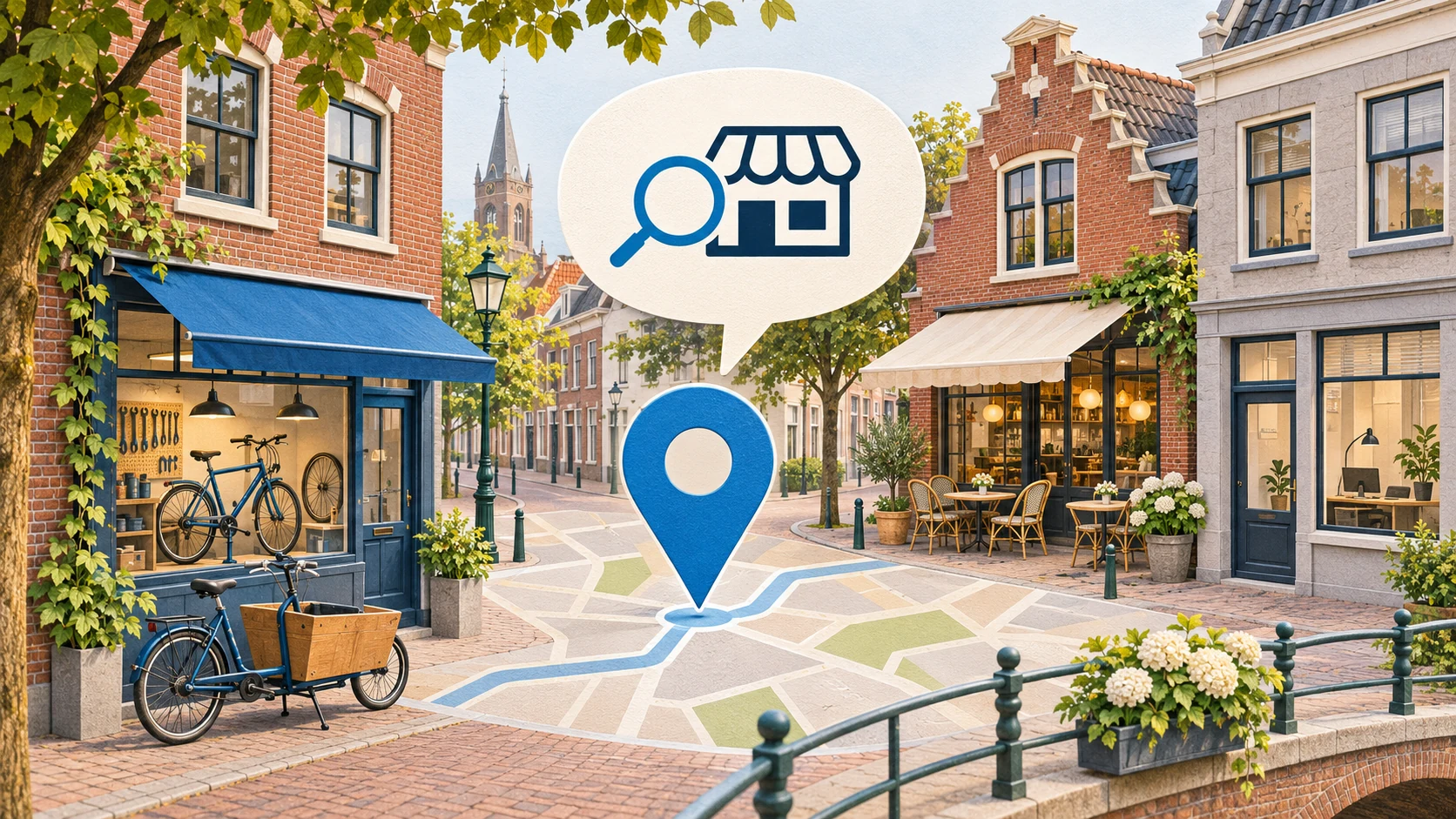
Imagine this: someone is looking for a bike repair shop in Lelystad that repairs electric cargo bikes and is easy to reach by car. You offer exactly that service. But is that also clearly stated on your website and in your Google Business Profile?
With the arrival of Ask Maps, that is an interesting question for local business owners. On November 16, 2026, Google announced that this AI feature is being rolled out in the Netherlands. It lets you combine different preferences in a normal question. Gemini then helps find suitable places. View the announcement from Google Netherlands.
The practical question for your business: what information does a potential customer need to recognize that you match that question?
A business name, address and general description often tell only part of the story. Think about the brands you repair, the customers you help, your approach and the practical options on site. This is exactly where your business can stand out.
For an accountant, that could be experience with starting self-employed professionals (zzp’ers, self-employed without staff). For a shop, a specific product group. For a restaurant, accessibility or the options for guests with dietary requirements. These are examples of information you can clarify, they are not a guarantee that Maps will recommend you.
Google uses various sources for local business information, including business websites, owner-provided information, photos and reviews. How much weight each data point carries within Ask Maps is not explained in the announcement. Google explains here where business information comes from.
Start with the questions customers already ask you
You do not need to come up with a completely new marketing strategy for this. First, look at the questions that come in via phone, WhatsApp and email. Which of those remain unanswered online?
With these five checks, you can take concrete action:
Check your Google Business Profile. Are your category, opening hours and address correct? Also check the amenities in your profile, such as parking or wifi, if those options are available for your business. Google recommends complete, accurate information for local search visibility. Read Google’s explanation.
Make your specialism visible on your website. For a relevant service, write who it is for, what you do and what someone needs to know beforehand. The bike repair shop from the example can explain which cargo bikes he services and how to submit a repair request.
Use real examples from your work. Show a completed job, with a clear explanation and suitable photos. Describe what the customer needed, what you did and which choices were important. Use recognizable customer details and images only with permission.
Ask customers to share their own experience. Ask for an honest review of their experience and do not offer a discount in exchange for a review. Google requires that reviews are based on real experiences. View the review guidelines.
Resolve conflicting information. Compare your website with your business profile. Different opening hours, outdated services or unclear contact details make it harder for customers to choose. Start with errors that could disrupt their visit or enquiry.
Keep expectations about the new feature realistic
The Dutch launch does not mean every announced capability is immediately available here. According to Google’s international explanation, searching for appointments and the extra route tips will start in the United States first. Trip planning and searching within saved lists will become more widely available. View availability by feature.
Even a complete business profile does not guarantee a fixed spot in an AI answer. For regular local search results, Google mentions relevance, distance and prominence as key factors. That explanation is not a complete description of how Ask Maps puts together recommendations.
Then look at what customers actually do
Record what you change and on what date. Then track the available profile metrics, such as website clicks, directions requests and clicks on the call button. A call click does not yet prove an actual conversation or a new job. Google describes here what the metrics measure.
Also periodically try the same relevant questions in Ask Maps, once you have access. Save the question, date, location used and the answer. A single mention is a snapshot; an increase in profile visits also does not, by itself, prove that this new feature is the cause.
With Klusio, you can work on your website, Google Business Profile and visibility in AI. For example, start with one question that customers ask regularly. Check whether the answer can be found online clearly and correctly, and improve the page where a customer would expect that answer.